Add Users to Redeam Central
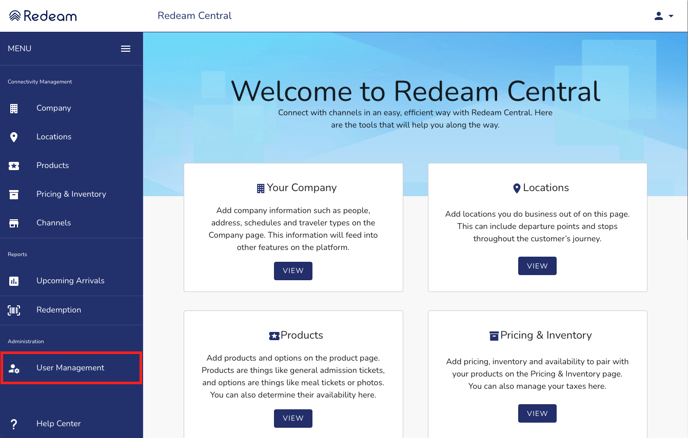
Add your colleagues to the platform as users through the user management feature. Access it by clicking the ‘User Management’ button in the left-hand menu. Add their information, create a password, and select which permissions/roles you would like them to have. You can edit this information at any time.
Please note that only admin users will have the ability to do this.
It is also possible to add colleagues as contacts, but not users, via the Company page. Contacts exist solely for contact information; these entries are not attached to user accounts.
The different types of user roles include:
-
View Only
-
Allows basic access to Redeam Central
-
-
Redemption
-
Allows the user to web redeem in Redeam Central
-
-
Admin
-
Allows the user to manage other users and change application settings
-
-
Upcoming Arrival Report
-
Allows the user to view reports in Redeam Central
-
-
All Bookings Report
-
Allows the user to view All Bookings Report
-
-
Customer Manifest Report
-
Allows the user to view all Customer Manifest Report
-
-
Redemption Report
-
Allows the user to view Redemption Report
-